
Iridescence PDF Reader
Read quickly. Stay focused.
A native PDF reader for macOS, designed for fast, fluid, distraction-free reading.
Reading that stays in the flow.
Open one document or an entire workspace, find what you need instantly, and annotate without leaving a distinctly macOS interface.
Truly native
Rust talks directly to AppKit and PDFKit: no Electron and no web layer.
Workspaces
Browse folders, follow iCloud status, and index PDFs in the background.
Multiple documents
Independent tabs retain position, zoom, history, and changes.
Active reading
Outline, thumbnails, search, bookmarks, annotations, and comments stay close.
Quick palette
Open a command, file, search, or page as you would in Spotlight.
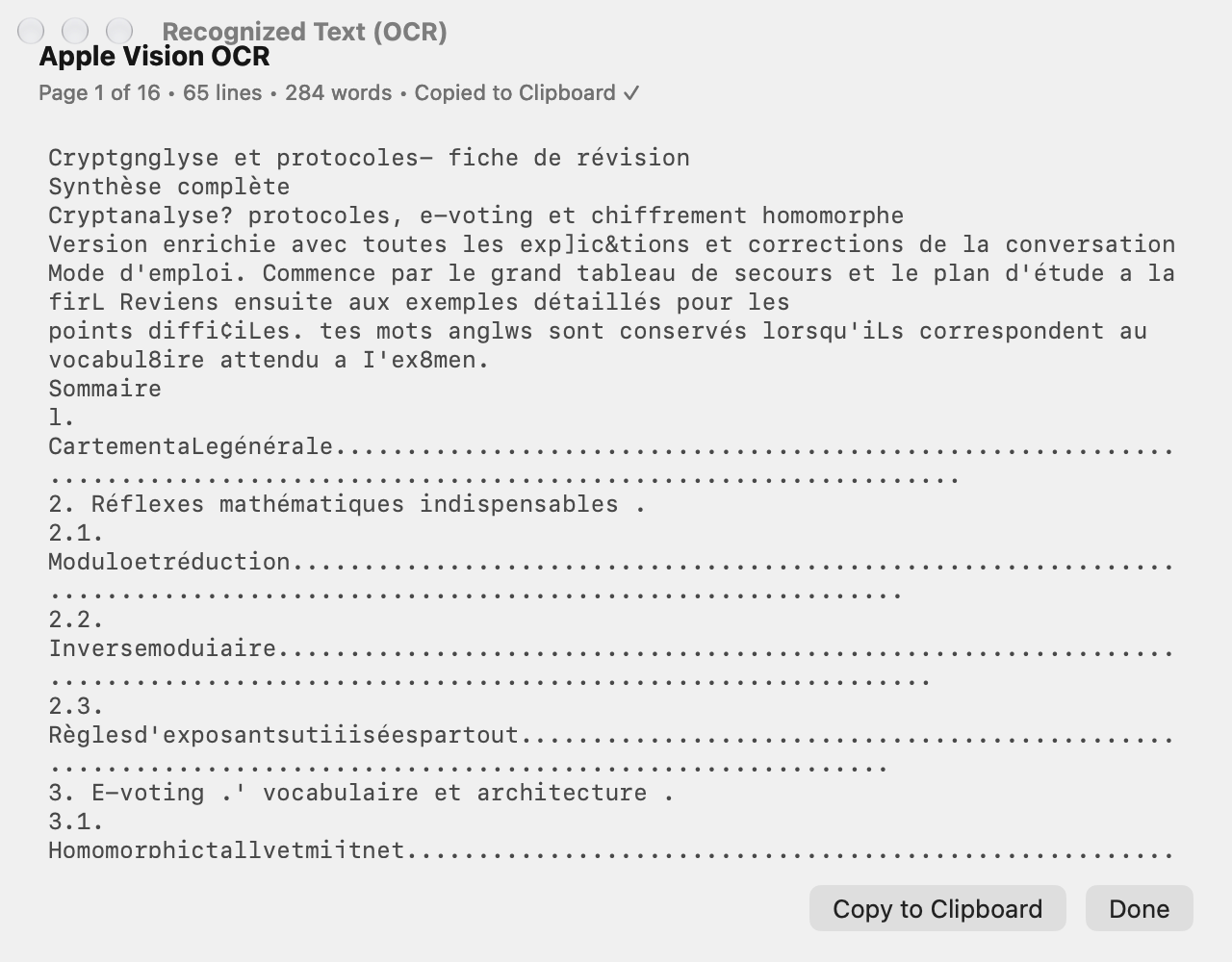
Apple Vision OCR
Recognize scanned text locally and export it as TXT.
A native space, from the first PDF to the final comment.
Your folders become reading spaces
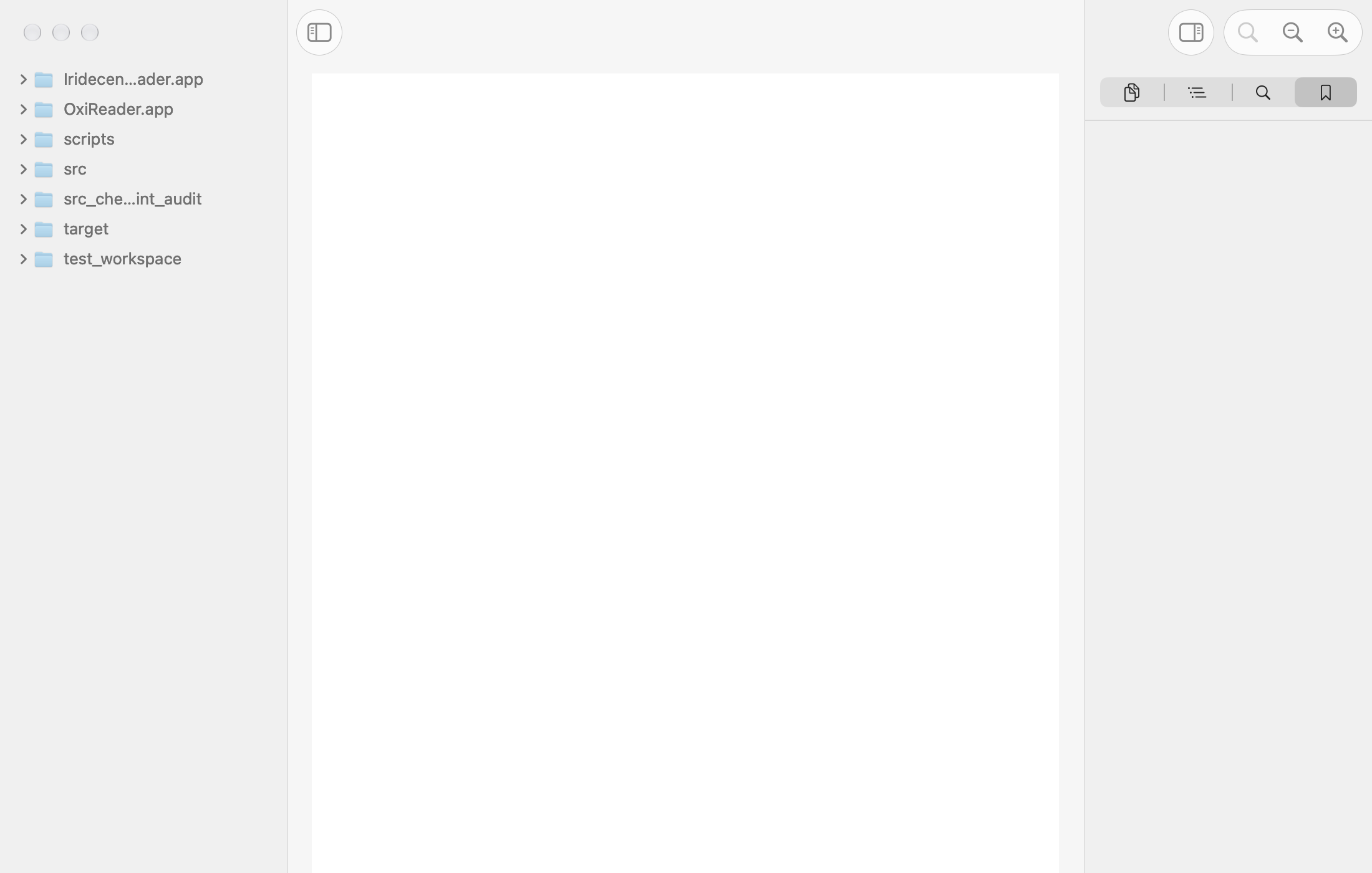
Open an entire folder, browse its hierarchy, and let macOS download the required iCloud items.
Read, navigate, annotate
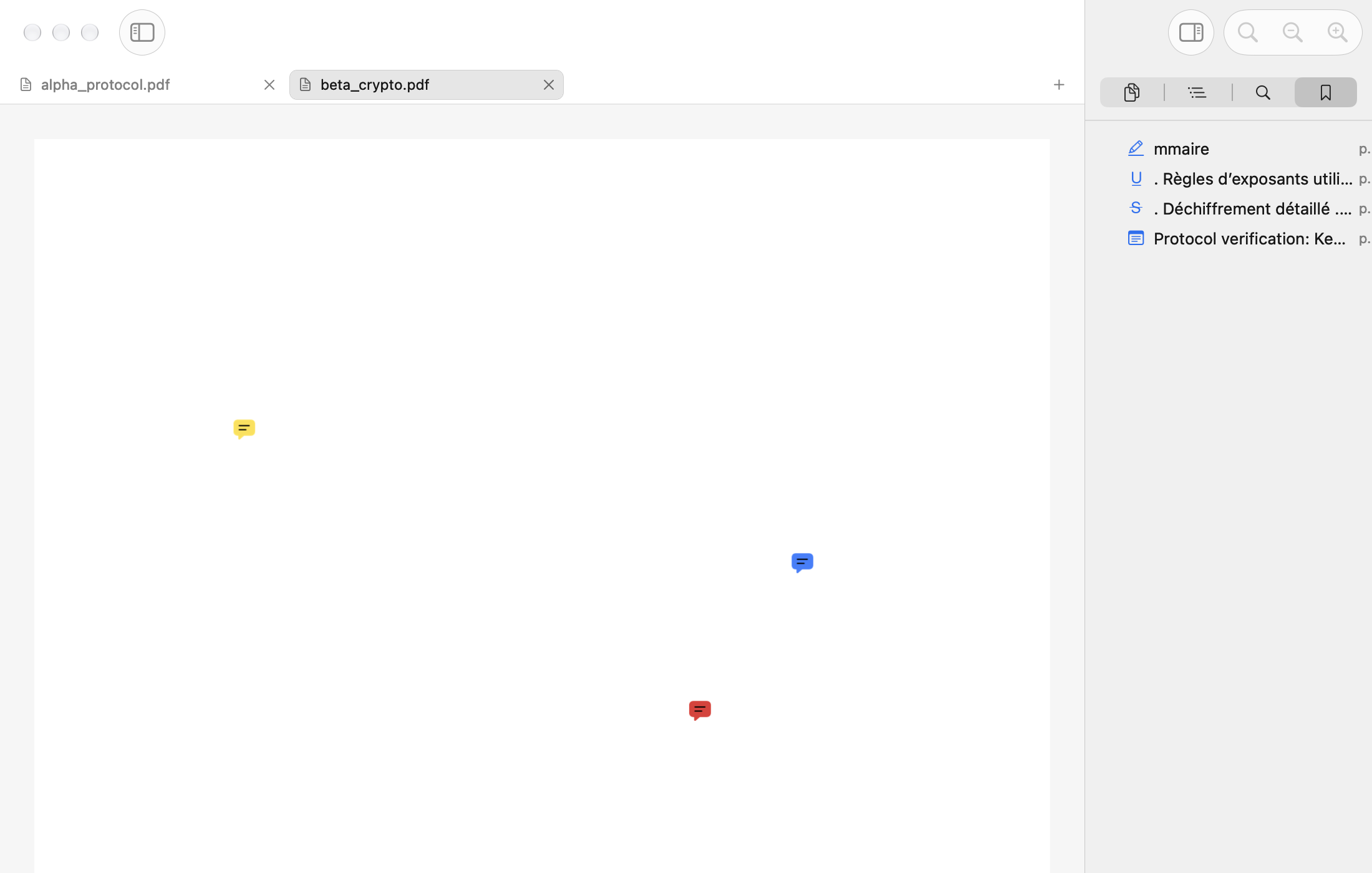
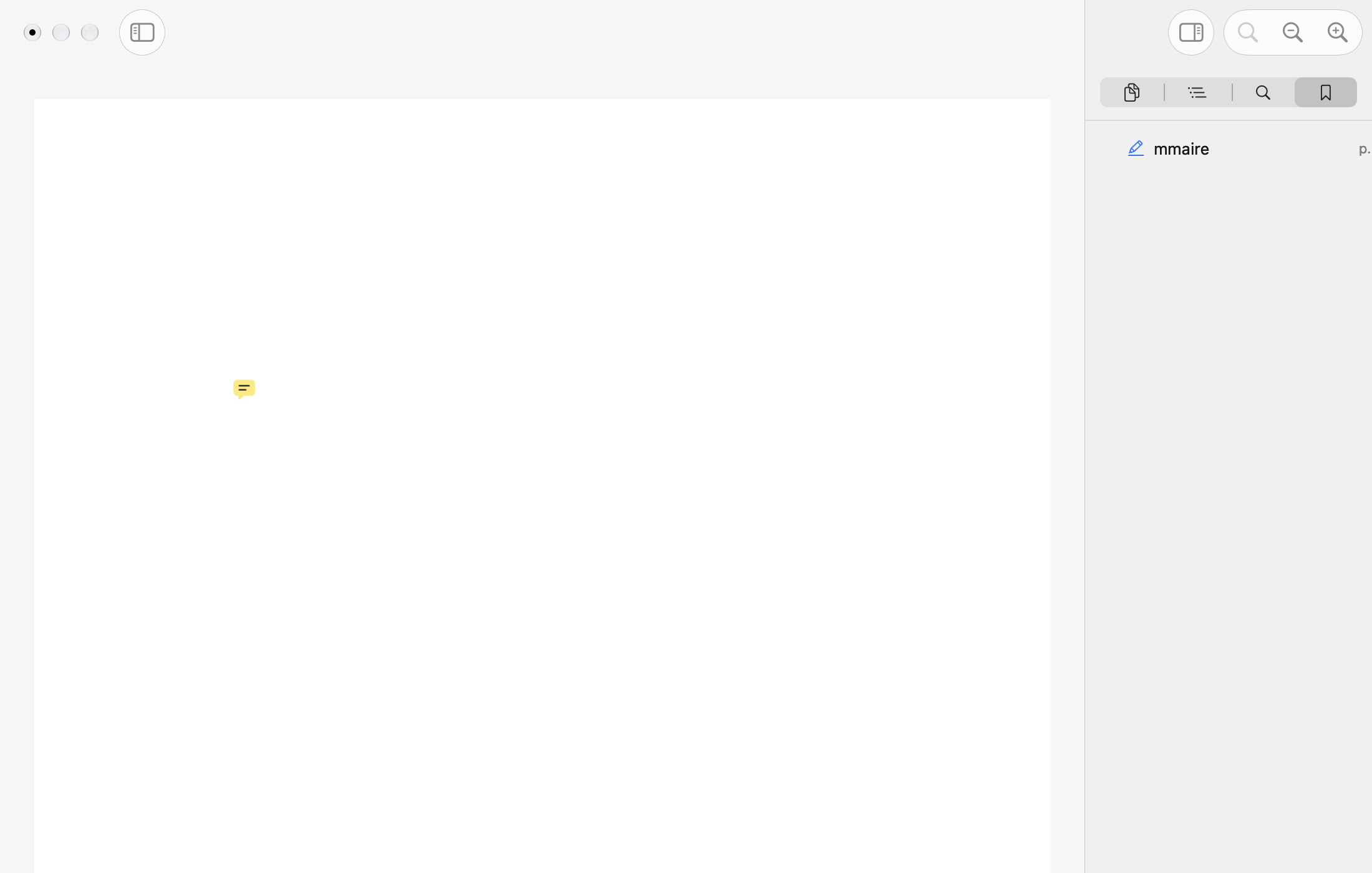
Thumbnails, outline, search, bookmarks, and PDFKit annotations organize the work without covering the document.
Find anything from the keyboard
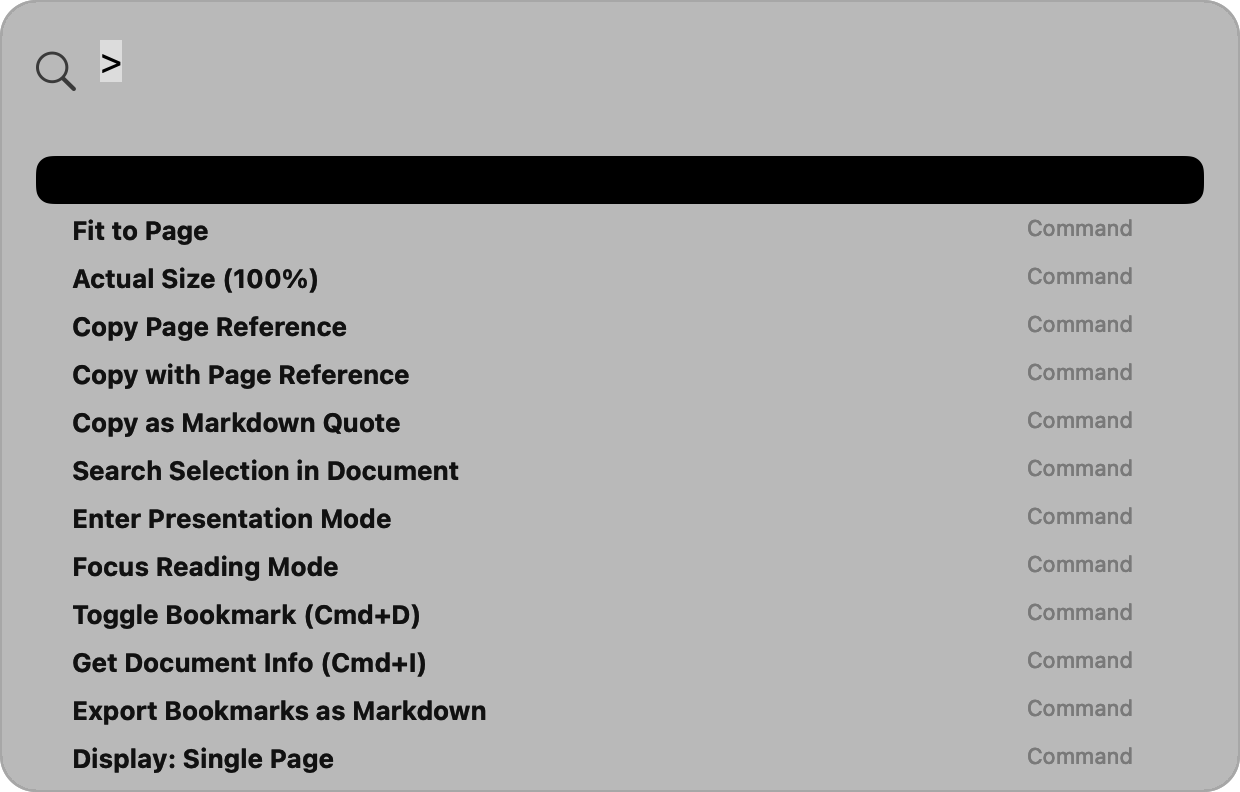
The palette combines actions, full-text search, page navigation, recent documents, and workspace files.
Make scanned text accessible
Apple Vision recognizes a page on demand on your Mac. Copy or save the result without a remote service.
Recognition uses Apple Vision and runs locally on your Mac.
Download Iridescence PDF Reader
The latest compatible public macOS release is detected automatically.