Mass Print
All your documents. The right order. One print run.
Arrange multiple documents in the exact order you need, then print them sequentially from one window.
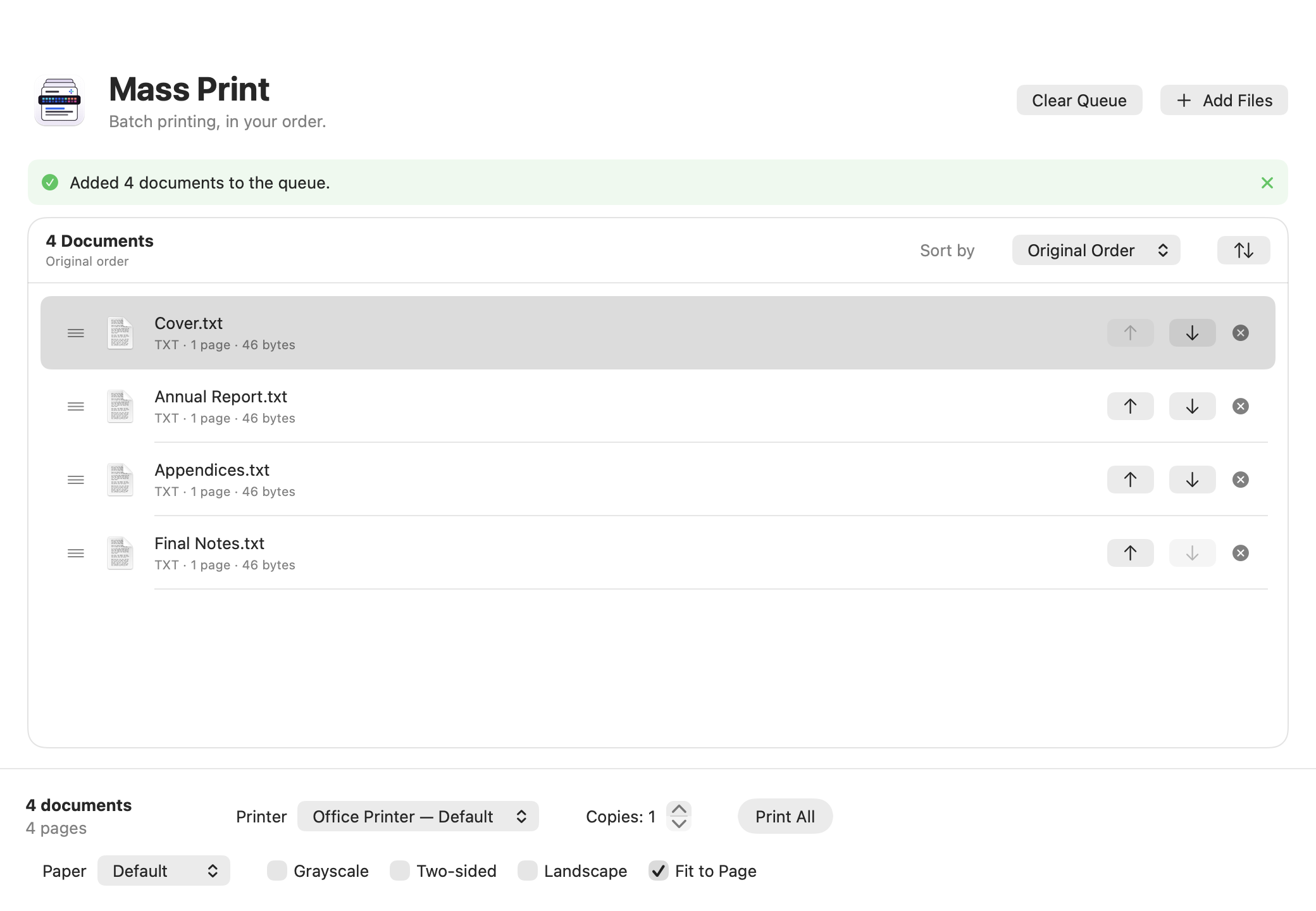
A clear queue before anything starts.
Drop files from Finder, reorder them manually or with precise sorting, choose your printer, and stay in control through the final document.
Controlled order
Drag rows, use accessible buttons, or reverse a preset sort.
Useful sorting
Natural name, date, size, type, page count, or addition order.
Finder Quick Action
Send a selection to the queue from Quick Actions or Services without printing automatically.
Essential settings
Printer, copies, grayscale, duplex, and fit-to-page options.
Sequential printing
Jobs are prepared and submitted to CUPS one by one in the visible order.
Local processing
No account, analytics, or upload: originals never leave your Mac and are never modified.
Documents, order, and settings in one window.
The visible order is the print order
Build a custom queue or apply a stable sort. New documents respect the active mode.
- 01Cover.pdf1 page
- 02Annual report.pdf24 pages
- 03Appendices.pdf8 pages
- 04Final notes.txt2 pages
Drag to reorder · printing follows this queue exactly.
Straight from Finder
The Quick Action opens or wakes Mass Print with the selected files. It never starts printing on its own.
Select your files, then use the Mass Print Quick Action. You always keep final approval.
Your documents stay on your Mac
Preparation, conversion, and submission use local macOS tools. Source files remain untouched.
- No account
- No analytics
- Originals untouched
Download Mass Print
Universal DMG for Apple Silicon and Intel. The latest GitHub release is detected automatically.